![Targomo-logo-email-logo-template.png]](https://info.targomo.com/hs-fs/hubfs/Targomo-logo-email-logo-template.png?height=40&name=Targomo-logo-email-logo-template.png)
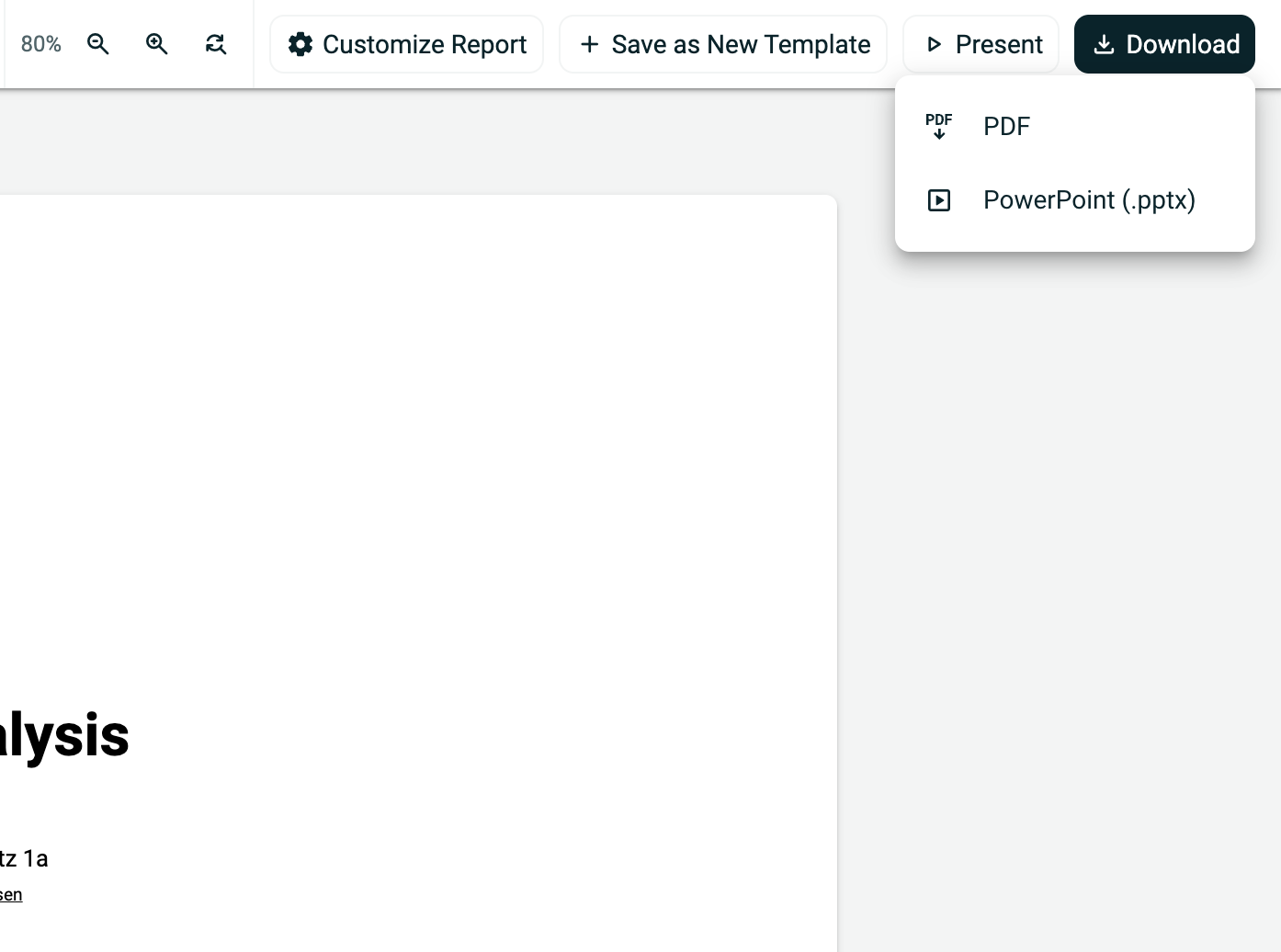
How to download a report as PDF
- Open the Report
- In the header, click on “Download”
- You will get options to download as PDF or Powerpoint Presentation.
How to enter presentation mode
- Open the Report
- In the header, click on “Present”
- The report will open in presentation mode
What is presentation mode?
- Displays slides in a full-screen format
- Lets you navigate like a PowerPoint presentation
- Ideal for client meetings and internal presentations