![Targomo-logo-email-logo-template.png]](https://info.targomo.com/hs-fs/hubfs/Targomo-logo-email-logo-template.png?height=40&name=Targomo-logo-email-logo-template.png)
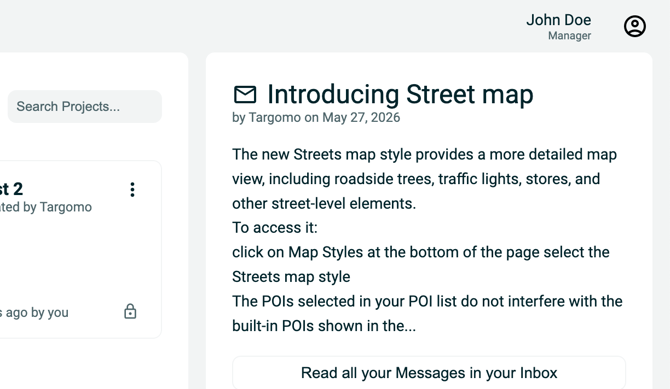
Only users with the Manager role can invite new users. Please contact your organisation's Targomo LOOP account administrator if you need to invite someone.
You can check your current access level on the top right corner of your Targomo LOOP account home page.
Invite new team members
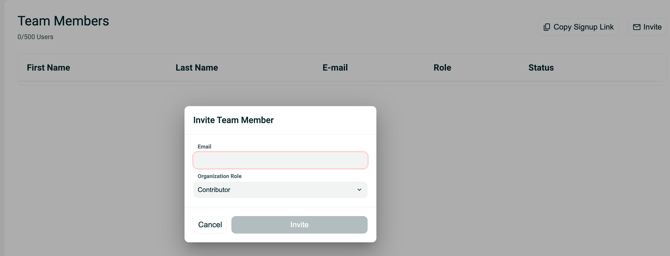
- Go to Teams from the main navigation.
- Click Invite.
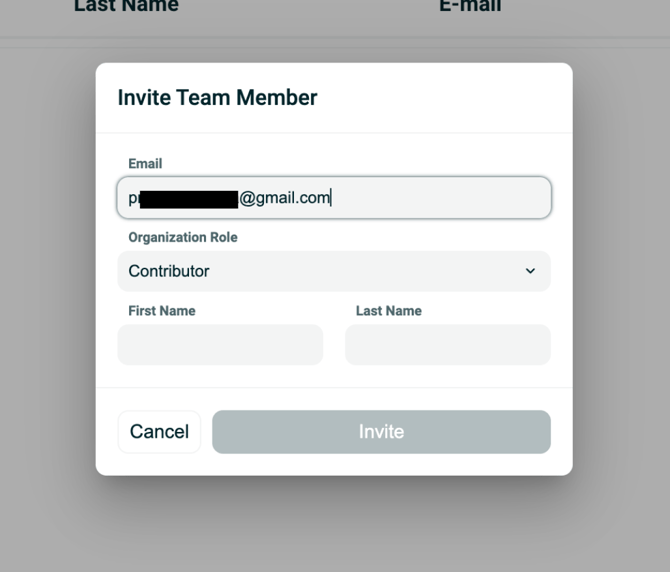
- Fill the details and click Invite.
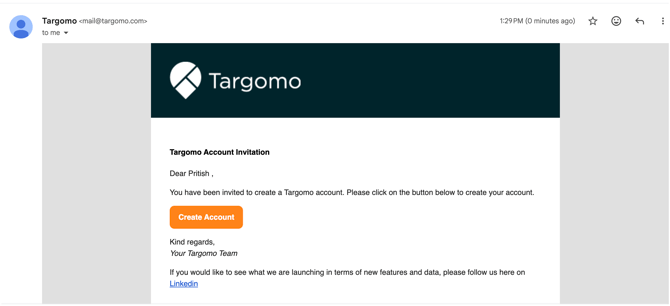
The invited user receives an email with instructions to complete the account setup and join the team.